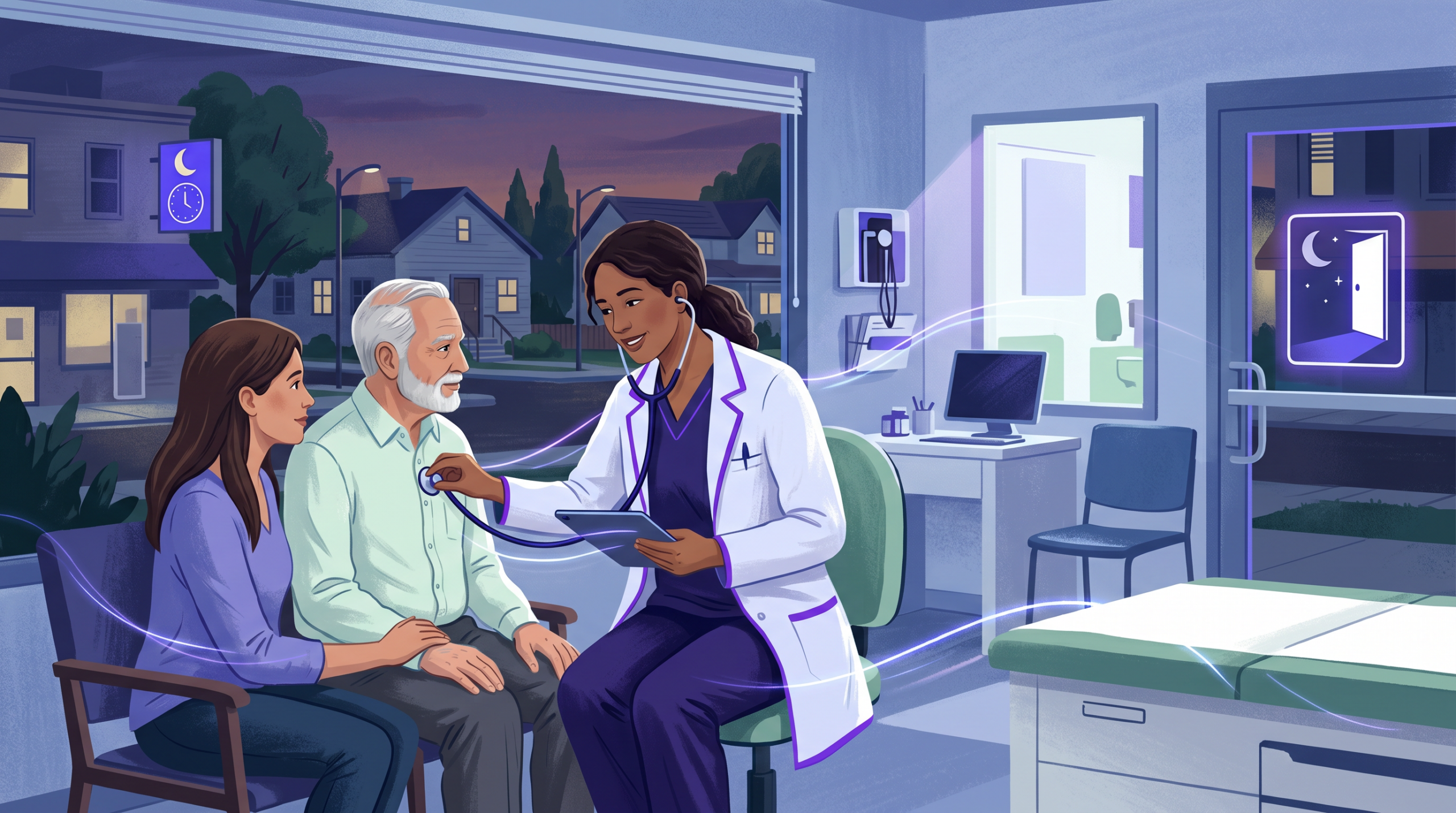

CityHealth Telehealth: See a Doctor From Home in Oakland and San Leandro
CityHealth telehealth lets you see a doctor from home, work, or anywhere with Wi-Fi. Whether you need urgent care for a cold, a skin check, or a follow-up visit, our team is ready to help. As a result, you can skip the drive and the waiting room. Instead, you connect with a licensed provider in minutes from your phone or laptop.
Since we first launched our digital health tools, CityHealth has grown well beyond a blog. Today, our telehealth services help patients across Oakland, San Leandro, and the East Bay. In this guide, we cover what CityHealth telehealth offers, how to book a visit, what we treat, and what it costs. So keep reading to learn how easy virtual care can be.
What Does CityHealth Telehealth Offer?
Our telehealth visits give you the same care you would get in our clinics. The only difference is that you join by video. Specifically, CityHealth telehealth covers these services:
- Urgent care visits for colds, flu, sore throats, sinus issues, and minor injuries
- Skin and dermatology checks for acne, rashes, eczema, moles, and other concerns
- Follow-up visits after an in-person exam or lab work
- Prescription refills and help with your meds
- Mental health check-ins and wellness talks
- COVID-19 screening and advice on testing or treatment
Furthermore, all visits are run by the same providers who staff our Oakland and San Leandro clinics. Therefore, you get the same level of care online as you do in person. Also, your records stay in one place no matter how you visit us.
How to Book a CityHealth Telehealth Visit
Booking a visit is fast and simple. Here is how it works step by step:
- Go to our portal: Visit care.cityhealth.com/book-appointment and choose “Telehealth Visit.”
- Pick a time: Browse open slots and pick a provider. Same-day visits are often open.
- Fill out your forms: Share a short health history and your symptoms. This helps your provider get ready.
- Join your video call: Click the secure link sent to your email or phone. You can join from any device.
- Get your care plan: After the visit, your provider sends scripts, lab orders, or referrals to your pharmacy or our lab.
In addition, you can call (510) 269-1164 for a walk-in telehealth visit during clinic hours. Then our team will get you on a call right away. As a matter of fact, most patients wait less than 15 minutes to see a provider.
Conditions Treated Through CityHealth Telehealth
Many common health issues can be handled well through a video visit. For example, here are conditions our providers treat via CityHealth telehealth every day:
Acute illness: Cold and flu, sore throat, sinus pain, ear infections, UTIs, pink eye, allergies, and stomach bugs. Because these are common and easy to spot, they work great for virtual visits.
Skin problems: Acne, eczema, rashes, fungal issues, moles, and bug bites. Since our dermatology team can view clear photos during the call, many skin issues do not need an in-person exam.
Ongoing conditions: Follow-up care for asthma, high blood pressure, diabetes, and thyroid issues. Likewise, med changes and refills are easy to do by video.
Minor injuries: Although some injuries need an in-person urgent care visit, a provider can check sprains, small burns, and cuts on video first. Then they will tell you if you need to come in.
However, if your issue needs a hands-on exam, lab draw, or X-ray, your provider will move you to an in-person visit at one of our clinics. Essentially, telehealth acts as your first step to the right care.
Insurance and Pricing for CityHealth Telehealth
CityHealth telehealth visits are covered by most major plans. These include Medi-Cal, Medicare, Blue Shield, Aetna, Cigna, and United Healthcare. Consequently, your copay for a virtual visit is usually the same as for an office visit.
For those without insurance, we offer clear self-pay pricing. Moreover, our team will tell you the exact cost before your visit so there are no surprises. We can also help you check if you qualify for Medi-Cal or other aid programs.
To check your coverage before booking, just call us at (510) 269-1164. Above all, we believe cost should never stop you from getting care.
Why Choose CityHealth Telehealth Over Other Options?
There are key reasons patients in Oakland and San Leandro pick our telehealth services:
- Local providers: Unlike big national apps, our providers live and work in the East Bay. They know your community.
- Easy in-person follow-up: If you need labs, X-rays, or a physical exam, you can walk into our clinics the same day.
- Same-day access: Most patients see a provider within hours, not days.
- Bilingual care: We offer services in both English and Spanish.
- One chart: Your virtual and in-person records stay together. So every provider sees the full picture.
In short, CityHealth telehealth gives you the ease of virtual care with the depth of a local clinic. Plus, you always have the option to come in if needed.
Frequently Asked Questions About CityHealth Telehealth
What do I need for a CityHealth telehealth visit?
You need a phone, tablet, or computer with a camera and Wi-Fi. No app download is needed. You will get a secure link that works in any browser.
Can I get prescriptions through a telehealth visit?
Yes. Our providers can prescribe most meds during a video visit. Scripts are sent to your pharmacy right away. However, some controlled drugs may need an in-person check.
Is CityHealth telehealth open on weekends?
Yes, we offer telehealth during regular clinic hours, and that includes weekends. Check our locations page for current hours.
What if I need lab work after my telehealth visit?
Just walk into our Oakland or San Leandro clinic for your blood draw or test. No extra appointment is needed. Results come back in 24 to 48 hours.
How much does a CityHealth telehealth visit cost without insurance?
Self-pay visits start at a flat rate similar to an office visit. Call us at (510) 269-1164 for current pricing. We also take Medi-Cal and most major plans.

Ready to Try CityHealth Telehealth?
Book a same-day virtual visit with a licensed provider. No waiting room. No hassle.
Book a Telehealth Visit NowFor more about our services, visit our urgent care page or learn about dermatology at CityHealth. Also, browse health tips on our blog or find your nearest CityHealth location.
How to Prepare for Your First Virtual Visit
If this is your first time using a virtual care service, here are some tips to make your visit go smoothly. First, find a quiet room with good lighting so your provider can see and hear you clearly. Second, have your ID, insurance card, and a list of any meds you take on hand. Third, write down your symptoms and any questions you want to ask.
Also, test your device’s camera and microphone a few minutes before the visit. This avoids tech issues during your call. Most patients find the process feels natural after the first minute or two.
According to the American Medical Association, telehealth use has grown fast since 2020. Most patients say they are happy with virtual visits. Similarly, the U.S. Department of Health and Human Services backs wider telehealth access to boost health equity in all communities.